← All work Case 05
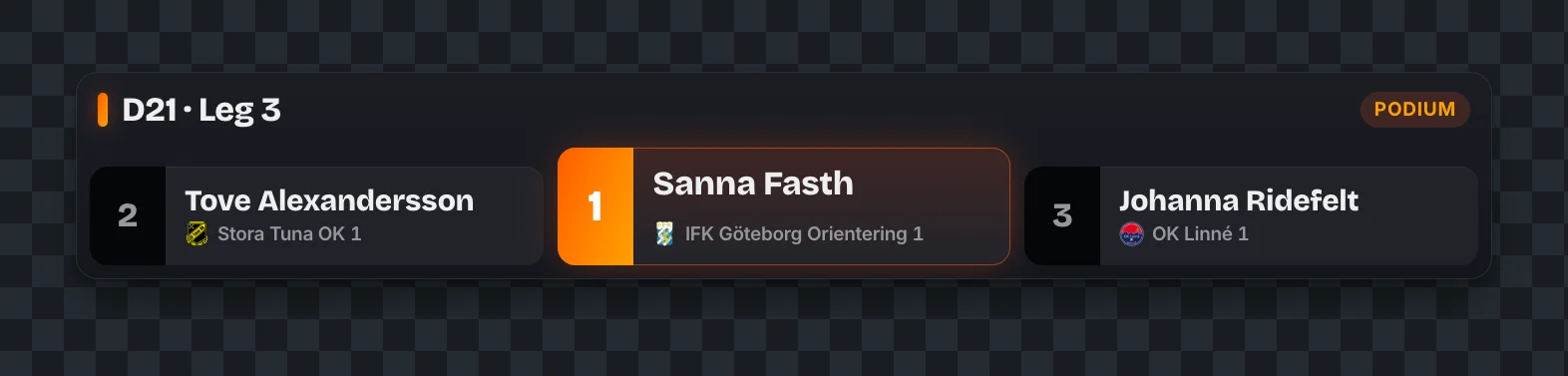
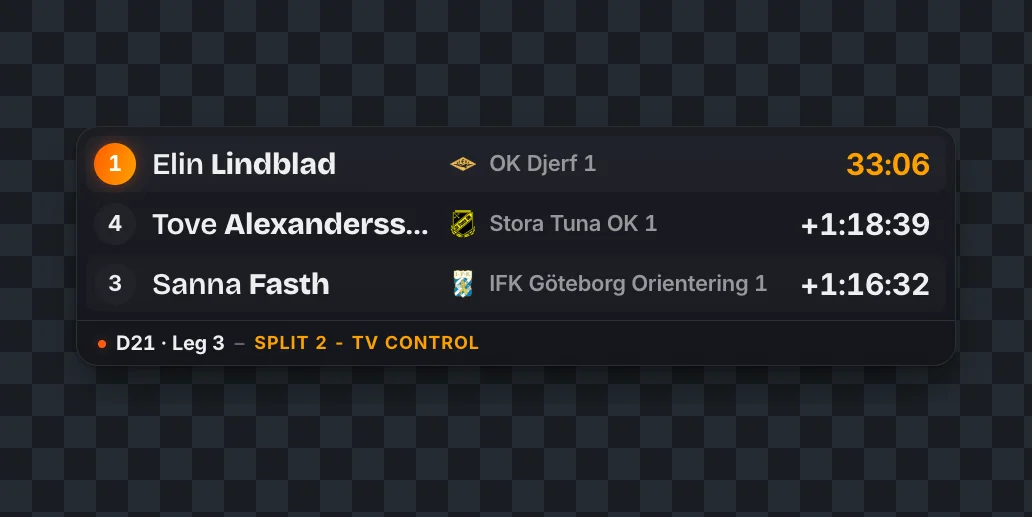
In orienteering, the runner who looks fastest on camera might be losing. Split / Control brings the split times into the broadcast, live, so viewers always know who’s ahead, who’s gaining and where the race is being won.
Challenge
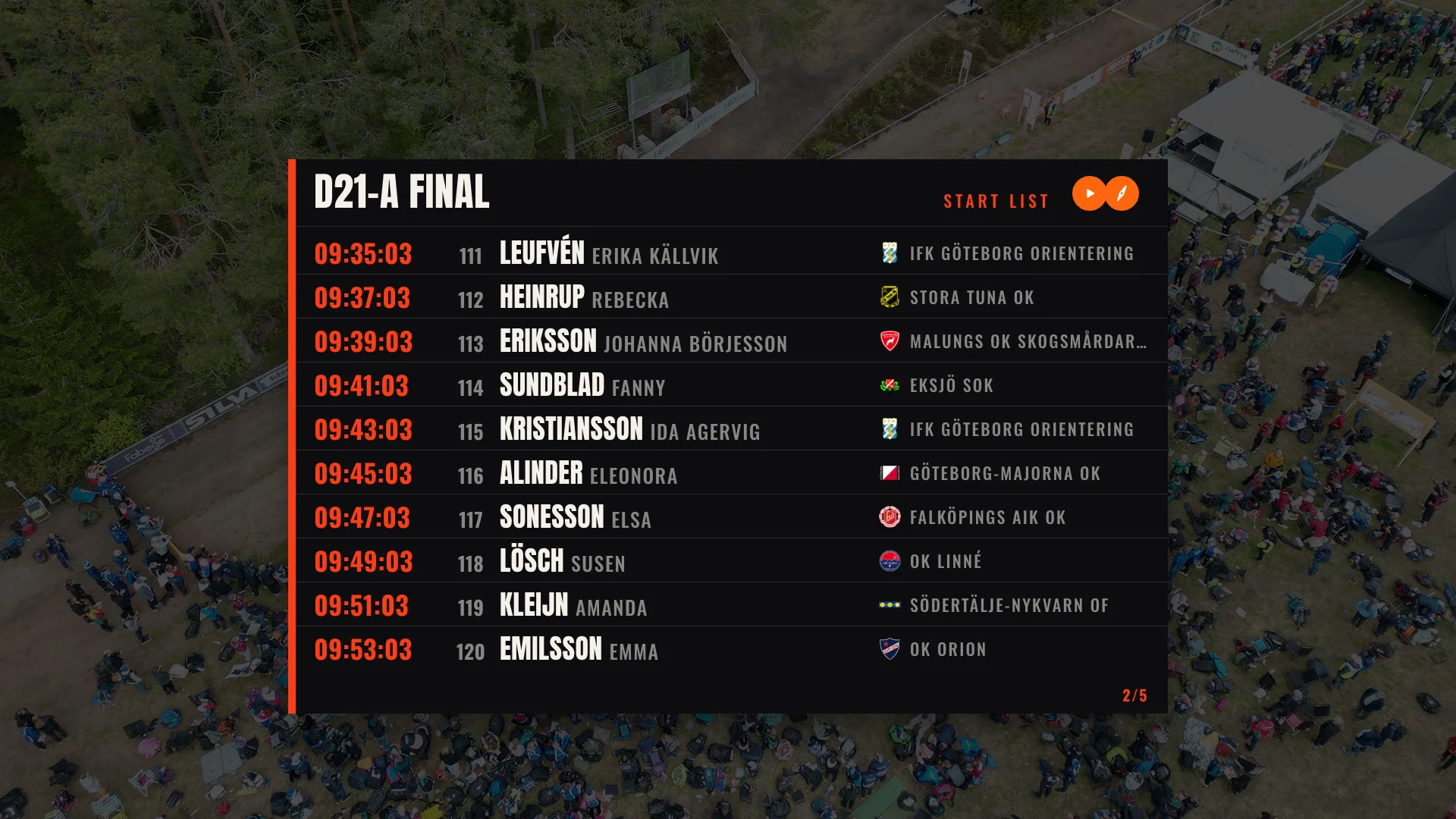
Orienteering makes beautiful television with few answers. A runner bursts out of the trees, but are they chasing the lead or losing it? Starts are staggered and everyone picks their own route, so only the clock can say. Put the split times next to the pictures and a nice shot becomes a moment in the race. The few broadcasts with good on-screen graphics had built them privately, so every other event either went without or started from scratch.
A small group of organisers and enthusiasts were already pushing orienteering broadcasts forward. They needed graphics that looked professional, were reliable live, and could be adapted for their own events.
There is a lack of openly available, high quality TV graphics that are plug and play straight into orienteering broadcasts.
Approach
Built on a broadcast standard
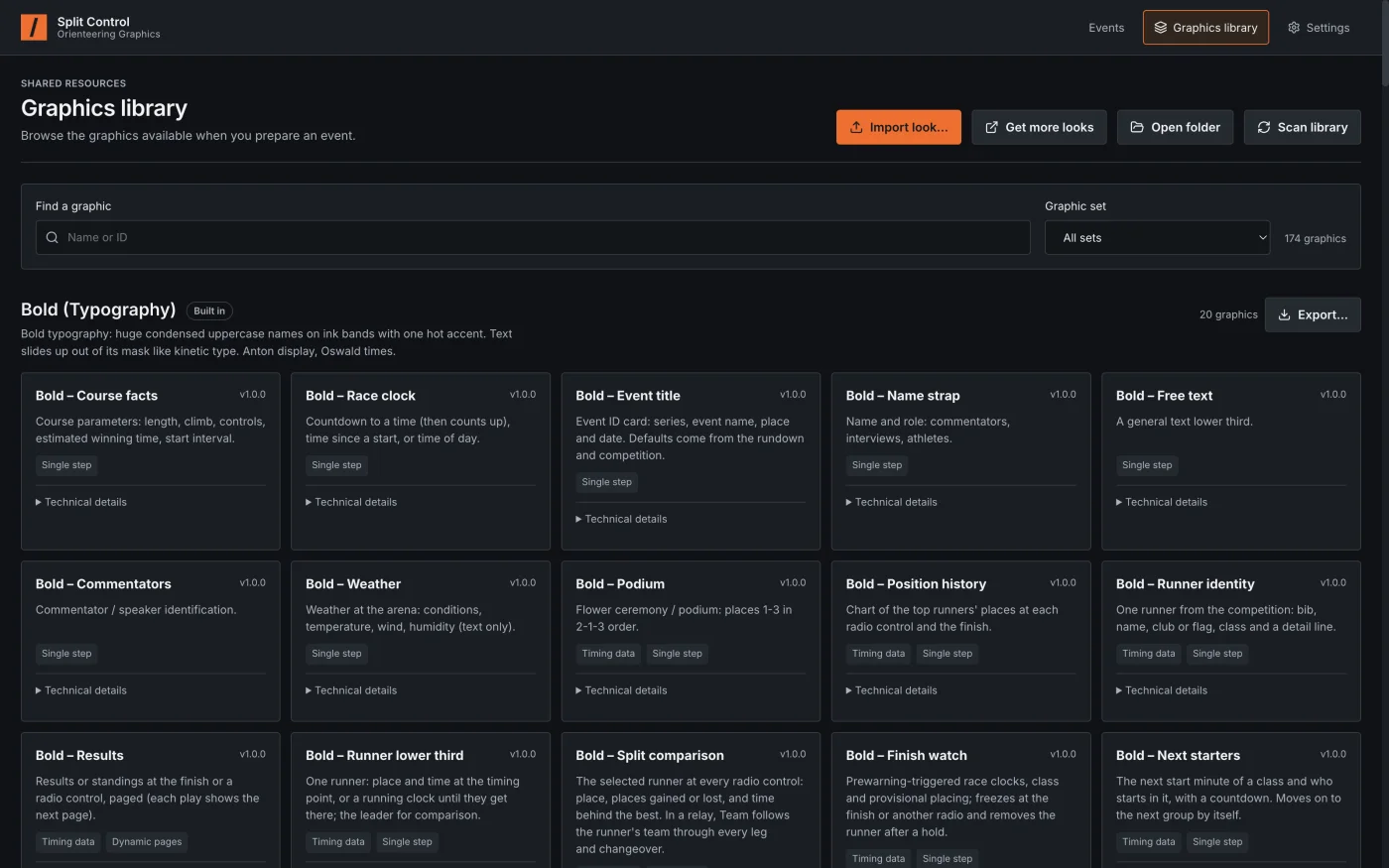
The graphics engine follows OGraf, the EBU’s new open standard for broadcast graphics. Templates are open and stable, so anyone can restyle them, and the result holds up to professional broadcast expectations.
Plug in and go
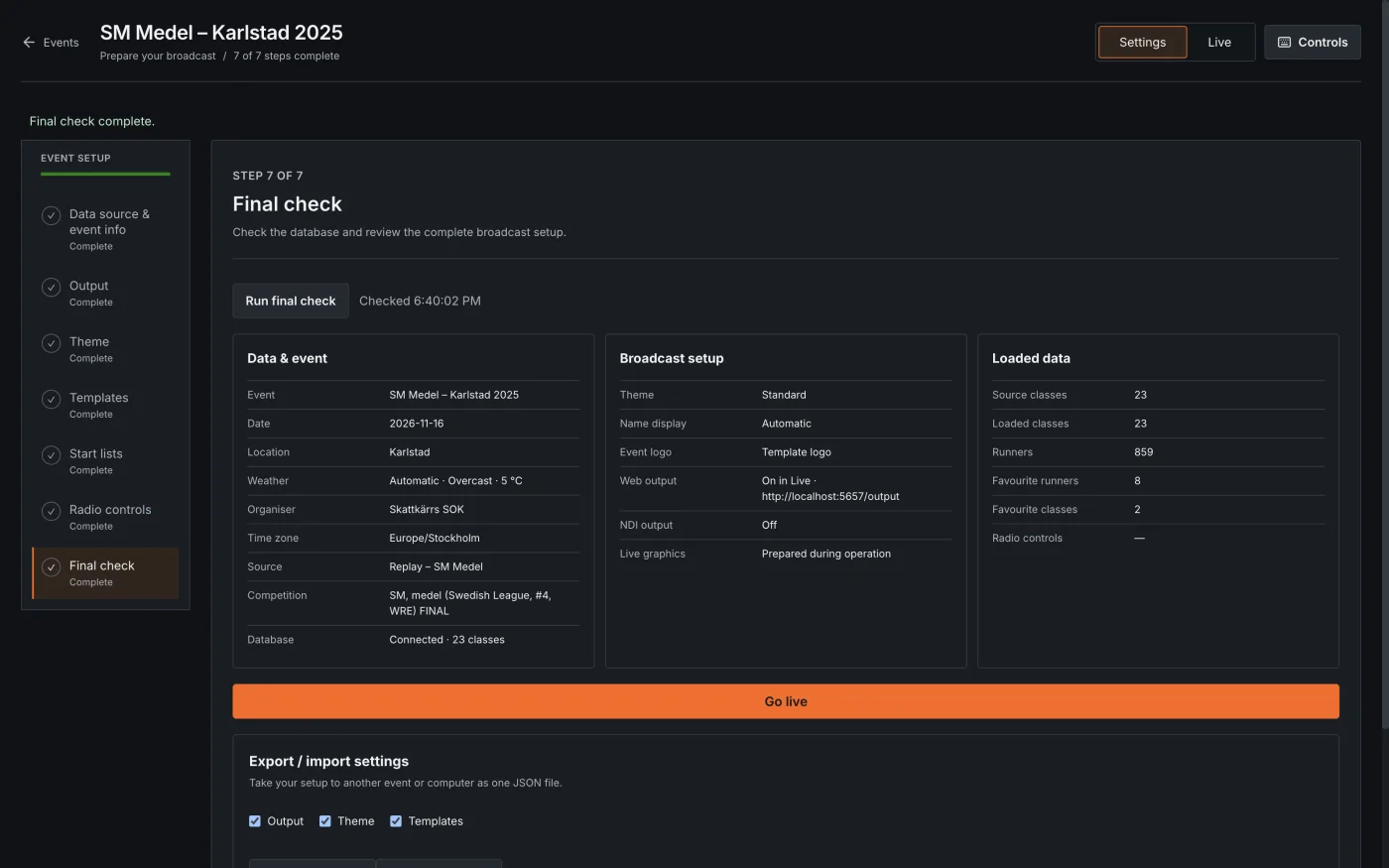
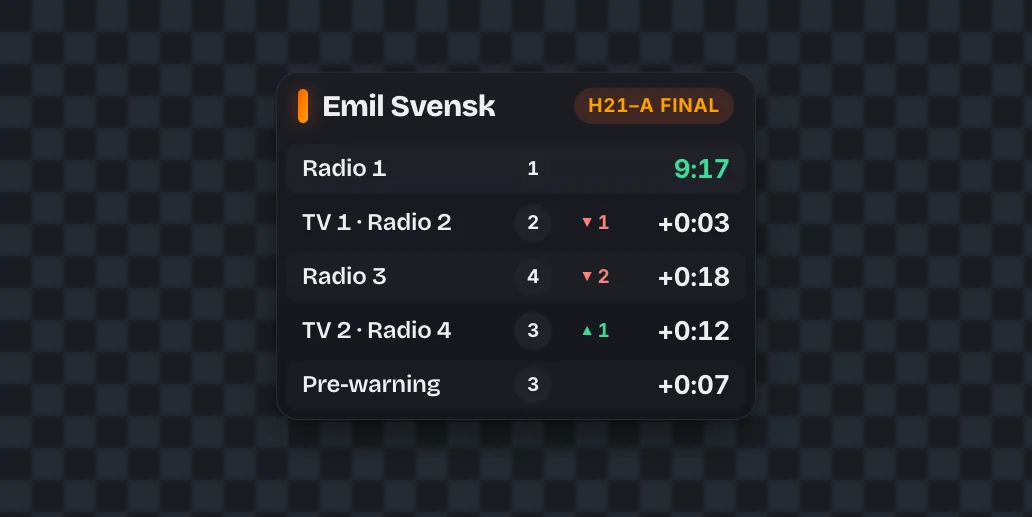
Split / Control connects to any race running LiveResults or MeOS. It fetches runners, live timing and split comparisons automatically, so an operator spends their time telling the story, not typing in data.
Fits any production
Graphics come out as a browser source for streaming software, or over NDI for professional broadcast providers. A club with one laptop and a full TV crew use the same tool.
Built for live
On race day the operator works with proven industry standards, with preview and live. Templates prepared and ready one step ahead of the broadcast.
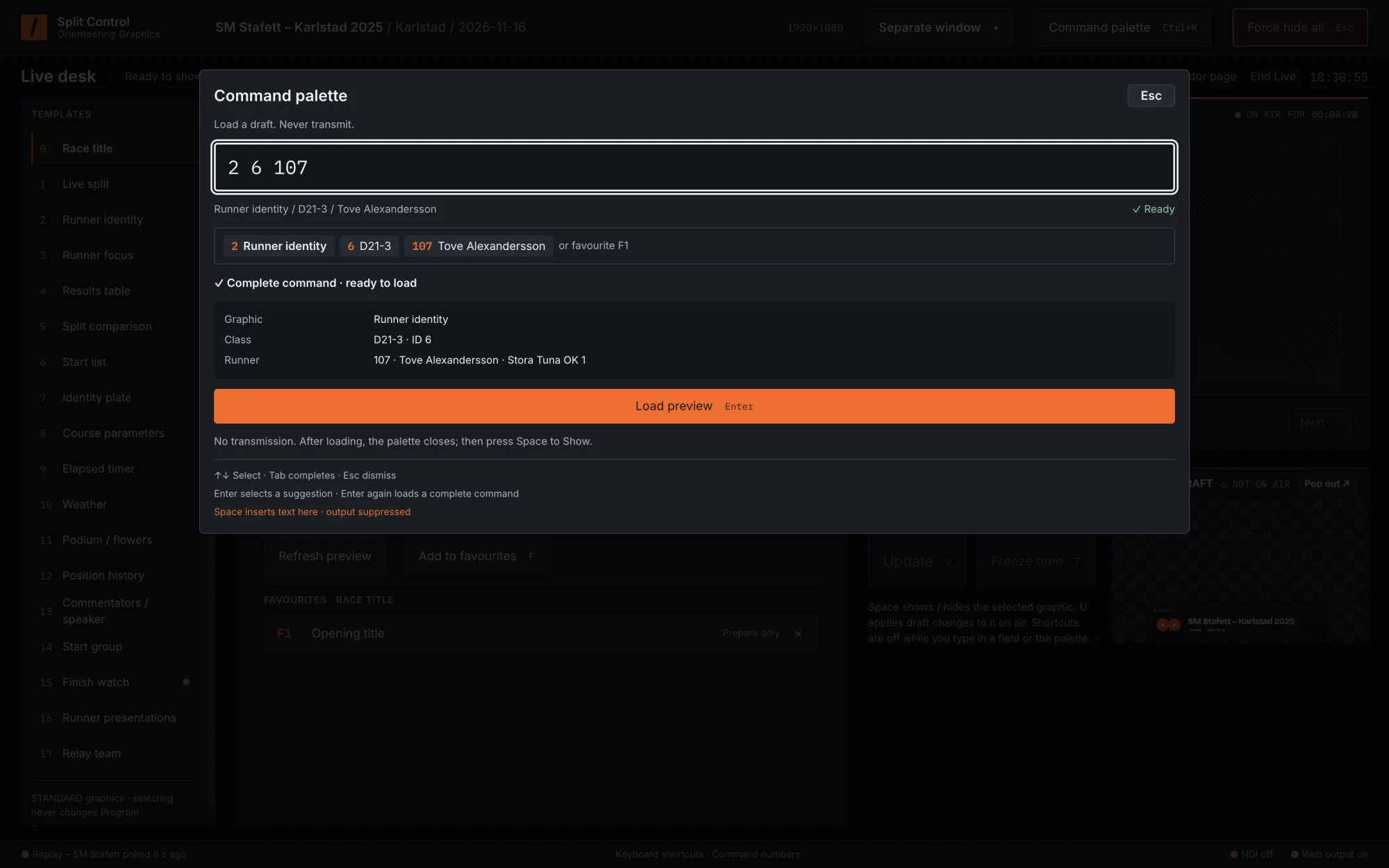
A command palette loads any graphic by numbers: graphic, class, runner. All with smart inputs helping the operator at every step. Call on any graphic with a few numbers and Enter, so the operator can keep their eyes on the race.
The hard part
Live features are hard to test without a live race, and races only happen on weekends. So I also built a simulation engine that replays a competition in real time. It let me design and debug the operator desk at my own desk, before taking it to local races to test with real timing.
Outcome
Split / Control has shipped and is already used on orienteering broadcasts, with great results. I took it from concept and scoping through design, production and testing as a solo side project, built in short bursts of about two weeks in total.